One-line install · automatic updates
Install with one line. It checks for a new version once a day and applies it for you
Claude Code · Codex → a finished YouTube Short every day
YouTube Shorts Pack
One flow from picking what to make to scheduling the upload. It breaks down 20 videos that did far better than usual, then adds AI video, script, voice and captions, and schedules the upload.
Update #87Improved every 0.6 days on average over 48 days since launch
Current version v1.32.5
One-time purchase · one-line install · 12 months of new versions included
12 months of new versions from your purchase date
After 12 months your version keeps working and you can reinstall it. No auto-renewal.
Computer only (not on phones) · Needs a paid Claude or ChatGPT plan
Mac / Windows (WSL) · one-line install
Your AI plan and outside services are billed separately
Want both? The YouTube Shorts + TikTok bundle is $45 one-time. Buy the bundle

REAL OUTPUT
A list-card first screen, plus the breakout notes and new-feature guide you get with each update.
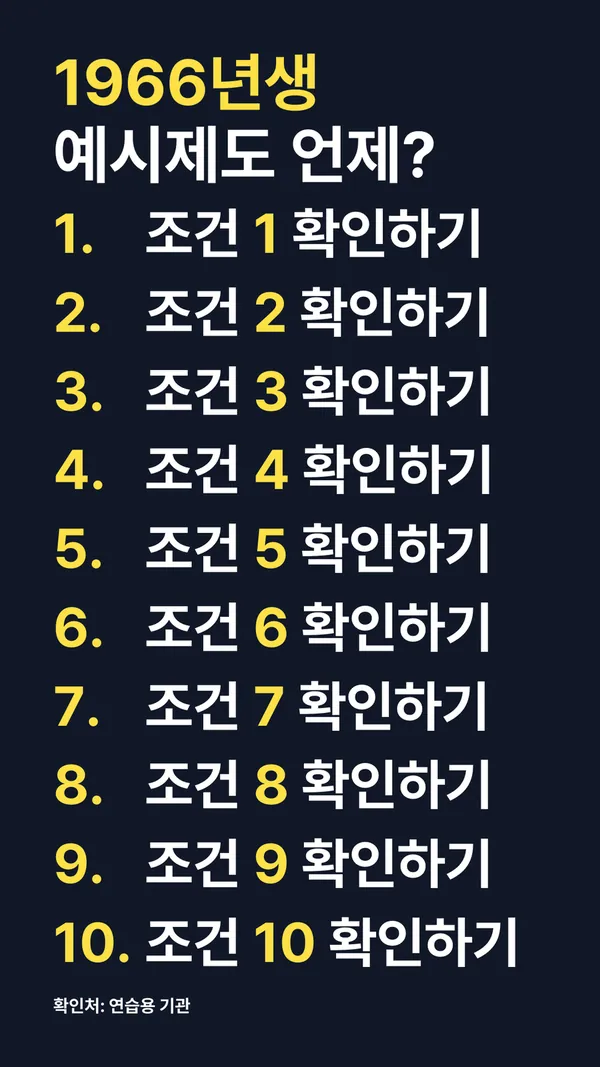
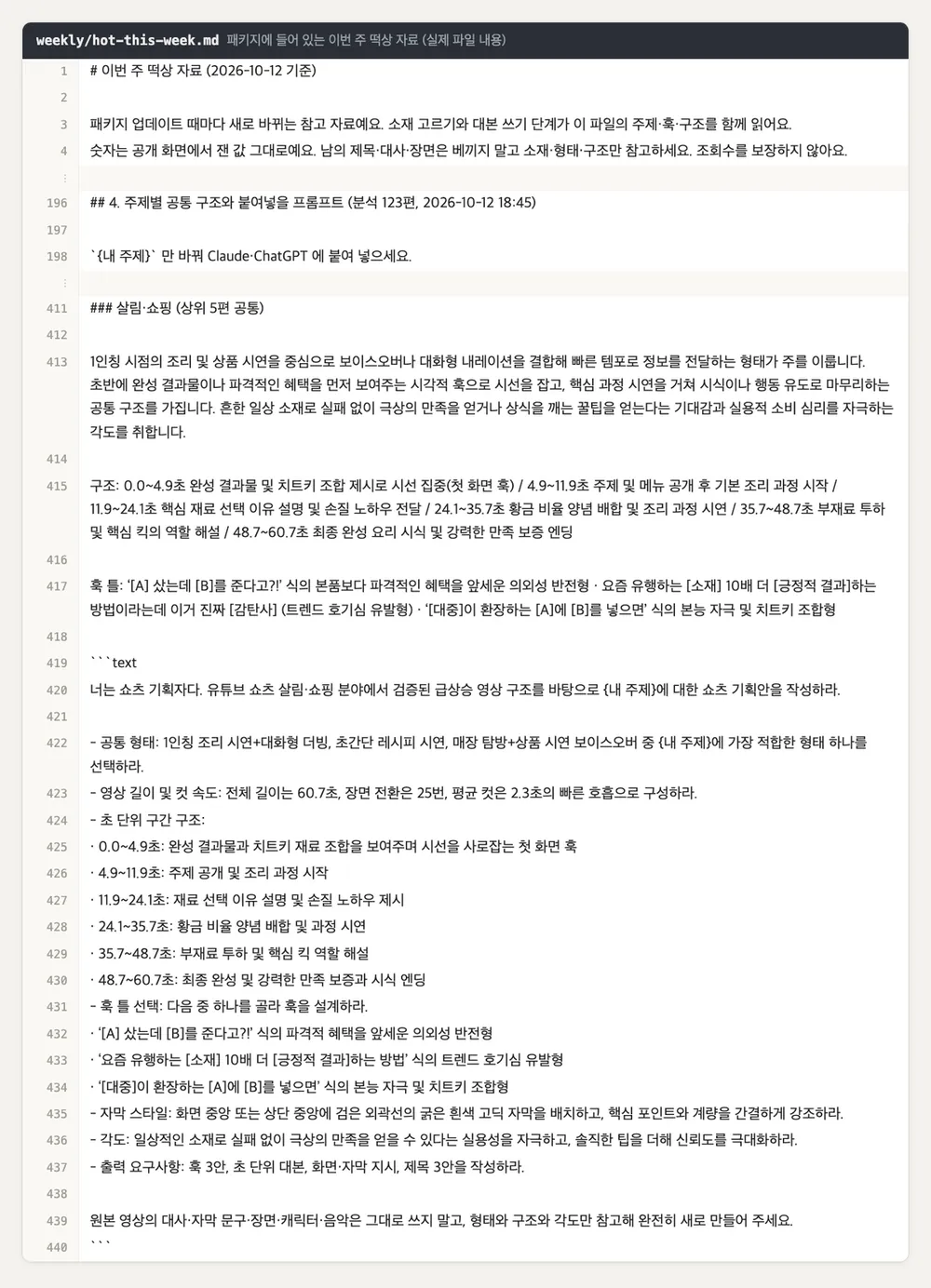
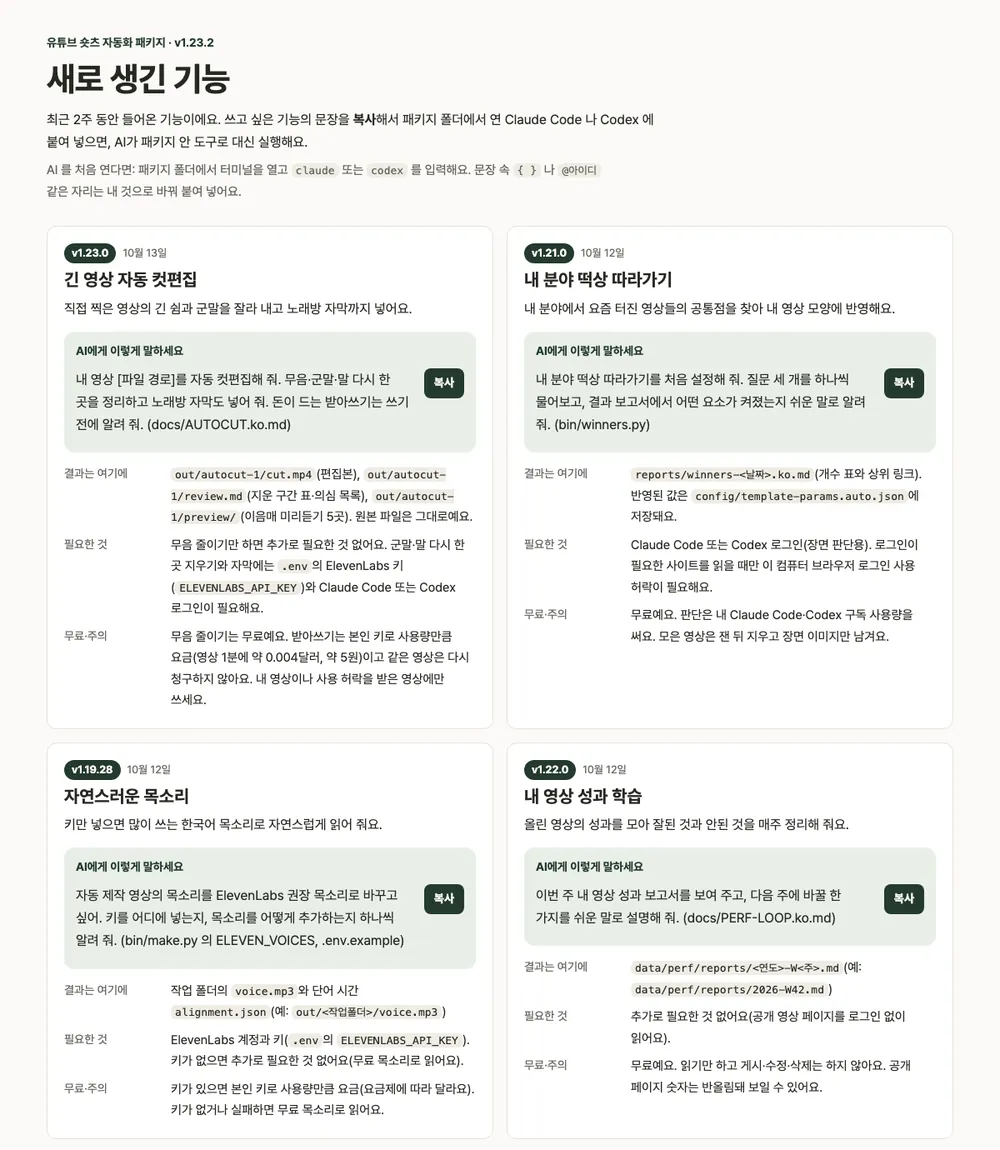
Results depend on your material and the video method you choose.
YouTube Shorts Pack · One-time purchase
One-time purchase. 12 months of new versions from the purchase date. After that, the version you have keeps working and you can reinstall it. No auto-renewal.
Want both? The YouTube Shorts + TikTok bundle is $45 one-time. Buy the bundle

Digital download — no refunds once downloaded. Full refund within 7 days if you have not installed or downloaded the pack yet. If it is not as described or does not work, we refund even after download.
Buy on Gumroad · $29Paid in USD on Gumroad · Terms of Service
WHAT YOU CAN DO
It runs on your computer in Claude Code or Codex.
Posting and scheduling happen only when you turn them on.
FULL WORKFLOW
AI and tools handle 7 steps. You review and decide on 3.
The key features below show the three you will use most.
Reads the structure of 20 videos that beat their channel's usual
Shows usable source material and its conditions first
Writes a 30–60 second script from a genre template
Reads it with a free voice and trims the gaps
Places captions and scenes to match the voice
Adds arrows and sound effects only at key moments
Checks length, volume and caption width, then renders the video
Watches the start, middle and end and points out fixes
Schedules it in Studio and sets the paid-promotion label
Reads views and retention and pins a comment
WHY THIS PACKAGE
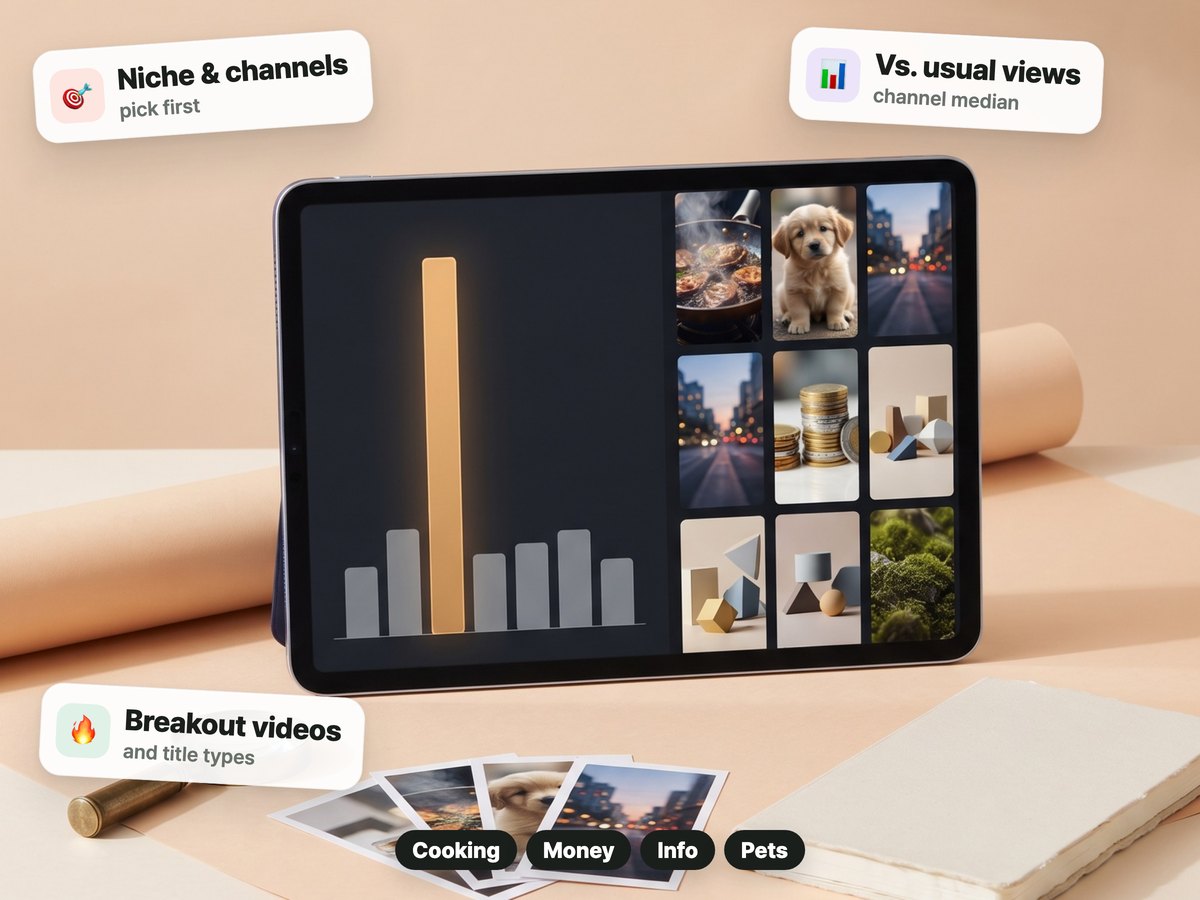
It compares each video with the median views of that channel's recent Shorts to find the ones that did far better than usual. You can use their title types and shared structure to pick your next topic.
Input → 3 steps → output · You steps are decided by a person
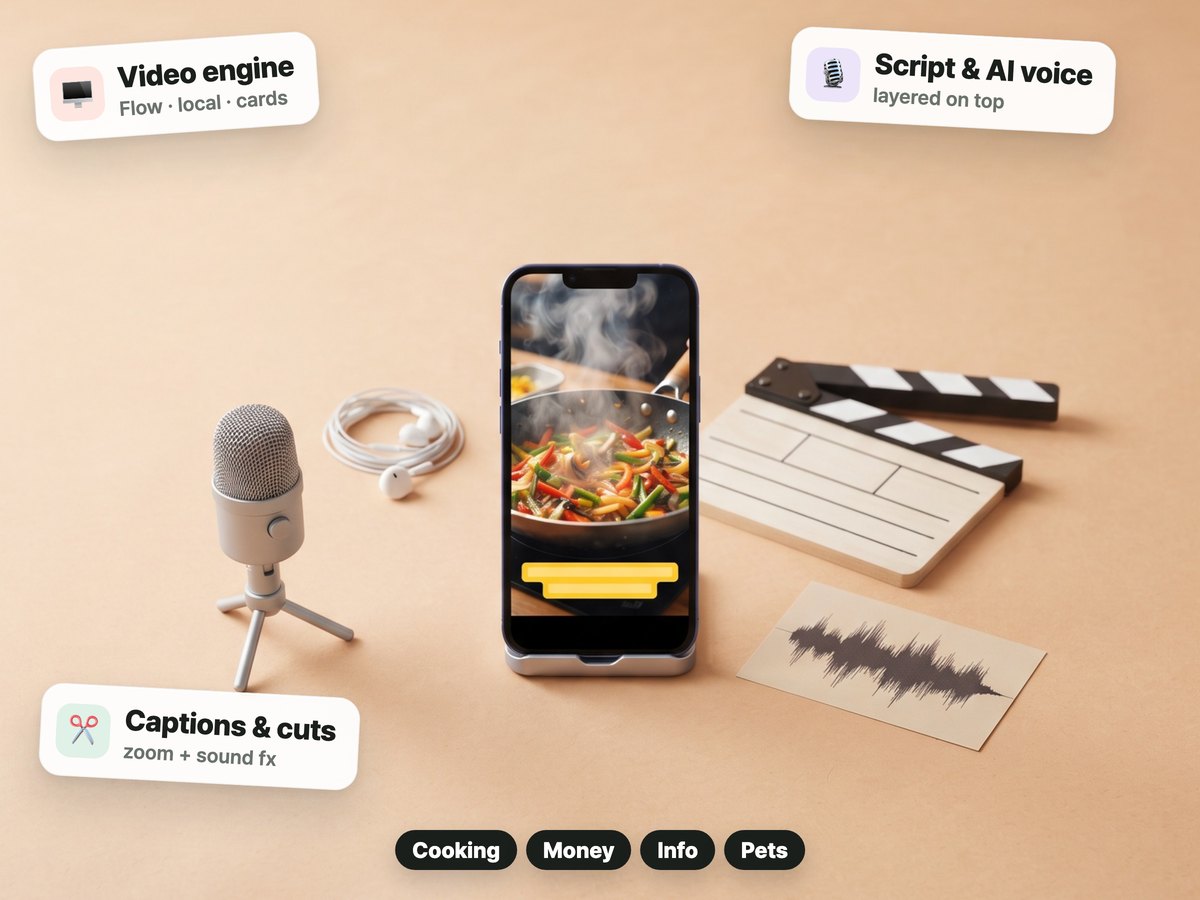
During onboarding you pick the video method that fits your computer and plans (Google Flow, a local model or card style). It makes clips for your script, then finishes with word-by-word captions, cut reordering, punch zooms, sound effects and an AI voice.
Input → 3 steps → output · You steps are decided by a person
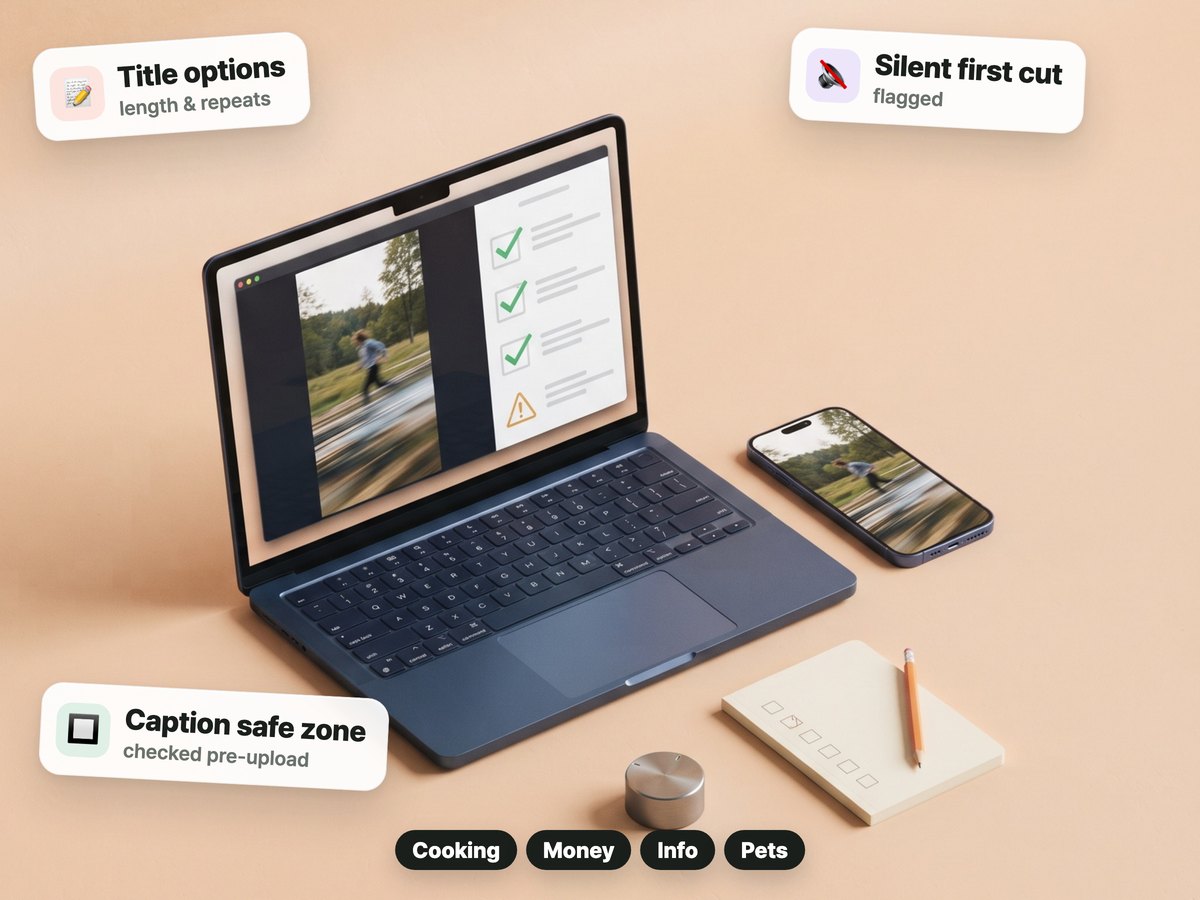
It checks title length, repeated or exaggerated wording, and AI-sounding script lines. It also warns about a silent first cut and captions outside the safe area.
Input → 3 steps → output · You steps are decided by a person
WHAT YOU GET
Not a done-for-you service,
but working files and tools you use on your own computer.

Install with one line. It checks for a new version once a day and applies it for you
Analysis of 20 breakout videos, a tool for collecting overseas memes
AI video, script, voice and caption editing flow
How-tos and sample settings for food, money, facts, animal memes and more
Tools to check titles, scripts and finished videos
Weekly plans, scheduled uploads once set up, and reports
The same one-line install on Mac and Windows (WSL), plus a first-run guide
Outside tools this pack uses. The start guide covers installing them, and each outside service has its own terms.
BEFORE YOU START
Check your setup and the services you will connect before you buy.
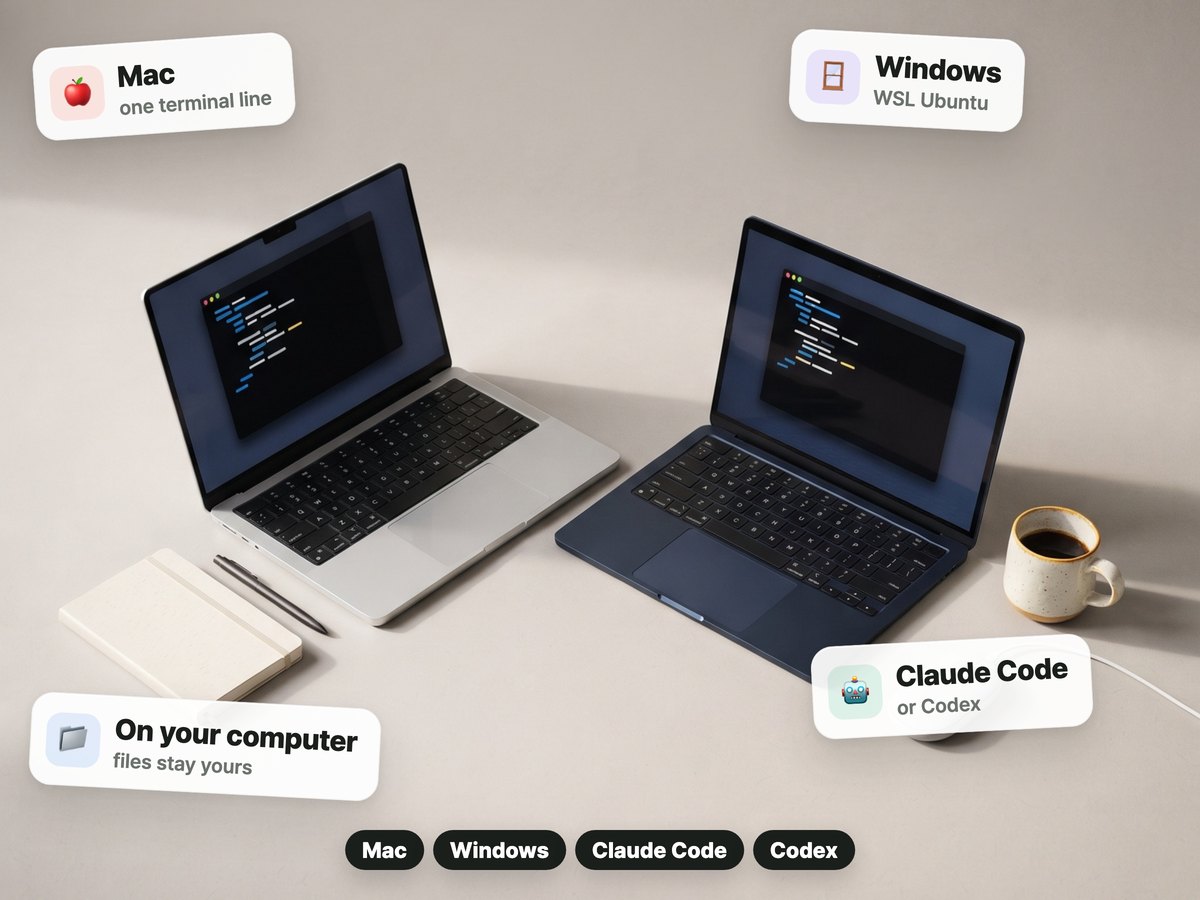
Files for Mac or Windows. On Windows it runs in WSL Ubuntu.
Claude Code or Codex · Mac or Windows (WSL Ubuntu). The price does not include your AI plan or any video or voice services you choose.
During onboarding you pick the video method that fits your computer and plans (Google Flow, a local model or card style). Overseas meme collecting needs v1.9.4 or later and does not download or repost original videos.
HOW TO START
The install sentence for your AI chat arrives on the payment-complete screen and by email.
Features are the same as the current pack.
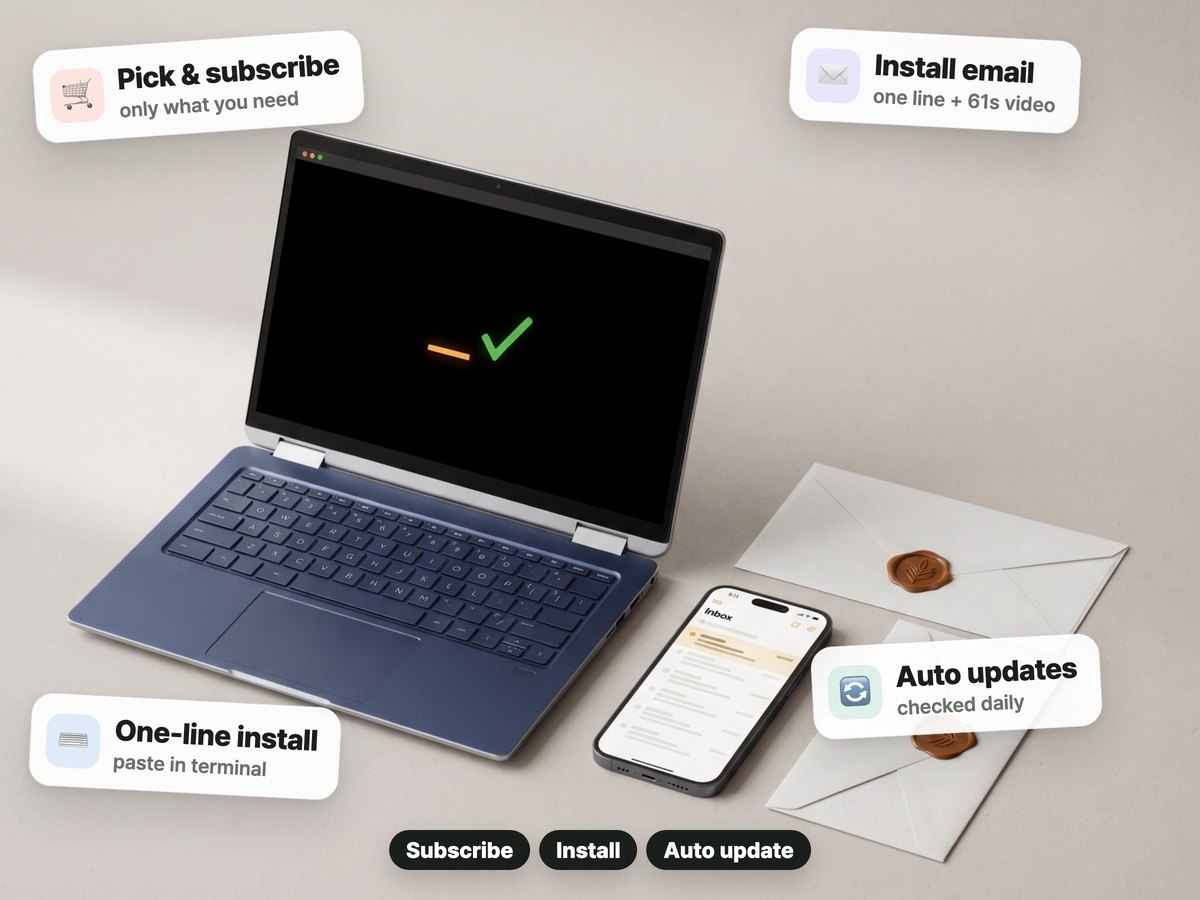
Pay once on Gumroad.
Right after you pay, the confirmation screen and email give you the install step: one sentence for your AI chat.
The helper checks once a day and applies new versions during your update period.
REVIEWS
We hid only the writers’ names. Translated from Korean.
Found you on Threads. The page is really thorough and carefully made. I'm a beginner, so I'll lean on it. Thank you ^^
Grateful for your kind work, so I'm buying. I'll put it to good use.
If you look at the accounts selling Shorts automation, their group chats and free classes all end with “subscribe to my program,” and you never know if the results will be worth the fee, right? But this program … with a little effort of your own you can build that kind of automation, so buy it while it's cheap. It's not sell-and-forget either, the updates keep coming. I bought it and I'm already making Shorts. Thank you. I know all this praise looks like an ad, but I'm writing it because I was genuinely impressed... Anyway, buying the pack doesn't do everything for you. You get results when you actually put it to work.
Making YouTube videos with it really works... and the content is surprisingly solid. Instagram and TikTok feel a bit far from me for now, so I just downloaded them. I'm going to try the blog one today. Everything you make gets straight to the point. You really know what people need.
UPDATES
One-time purchase. 12 months of new versions from the purchase date. After that, the version you have keeps working and you can reinstall it. No auto-renewal.
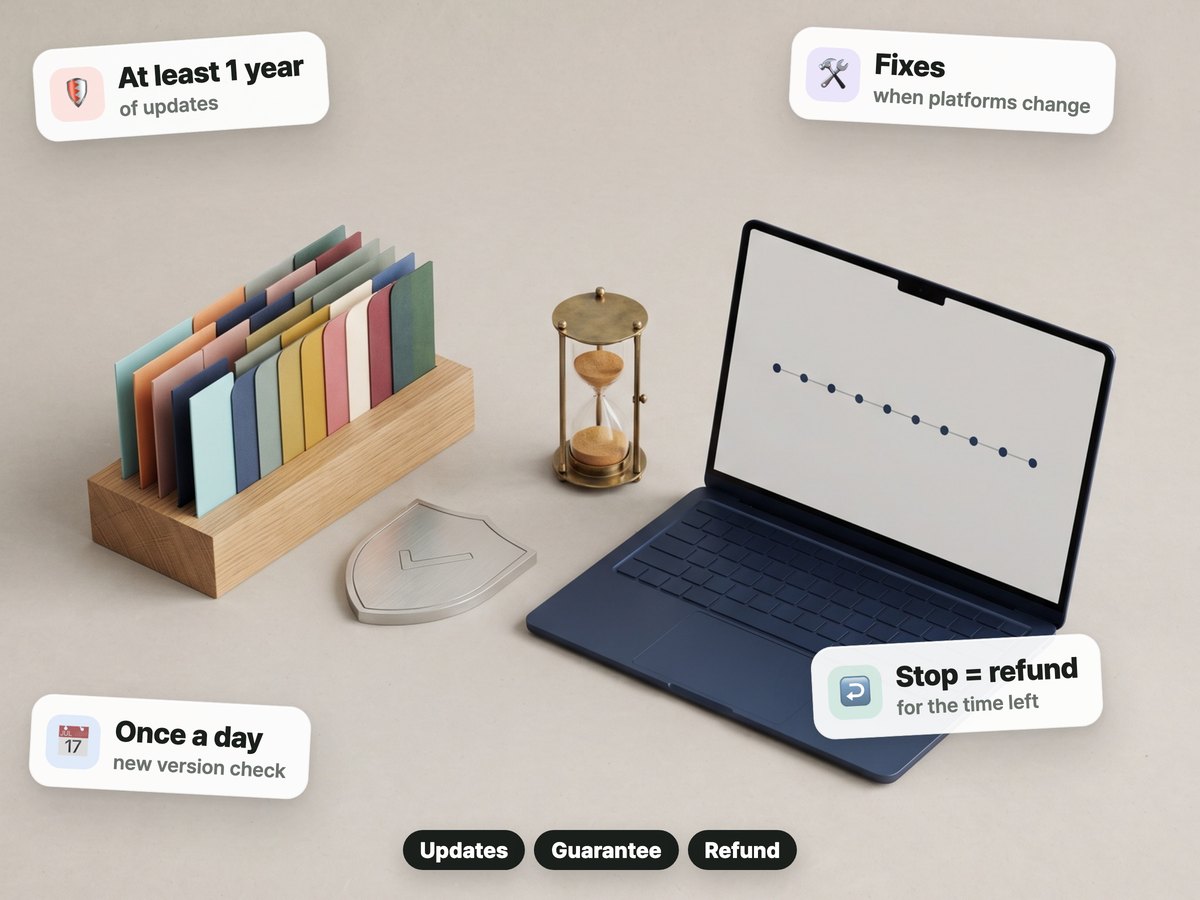
We publish release notes in Korean. Read the release notes (Korean)
QUESTIONS & ANSWERS
No. You pay once on Gumroad. Nothing renews.
The version you have keeps working and you can reinstall it. New versions are included for 12 months from the purchase date.
Digital download — no refunds once downloaded. Full refund within 7 days if you have not installed or downloaded the pack yet. If it is not as described or does not work, we refund even after download.
Claude Code or Codex, and a Mac or Windows computer. Your AI plan and outside services are billed separately.
Find topics in the radar and lines to polish in the free prompts, then use them with the pack.