One-line install · automatic updates
Install with one line. It checks for a new version once a day and applies it for you
Claude Code · Codex → product Reels, comment DMs and scheduled posts
Instagram Reels Pack
A product flow that does not stop at the video. It DMs the matching product link when a comment uses your keyword, and posts the Reels you approve at the time you set.
Update #68Improved every 0.7 days on average over 48 days since launch
Current version v1.23.14
One-time purchase · one-line install · 12 months of new versions included
12 months of new versions from your purchase date
After 12 months your version keeps working and you can reinstall it. No auto-renewal.
Computer only (not on phones) · Needs a paid Claude or ChatGPT plan
Mac / Windows (WSL) · one-line install
Your AI plan and outside services are billed separately

Instagram Reels Pack · One-time purchase
One-time purchase. 12 months of new versions from the purchase date. After that, the version you have keeps working and you can reinstall it. No auto-renewal.

Digital download — no refunds once downloaded. Full refund within 7 days if you have not installed or downloaded the pack yet. If it is not as described or does not work, we refund even after download.
Paid in USD on Gumroad · Terms of Service
WHAT YOU CAN DO
It runs on your computer in Claude Code or Codex.
Posting and scheduling happen only when you turn them on.
FULL WORKFLOW
AI and tools handle 6 steps. You review and decide on 2.
The key features below show the three you will use most.
Choose the product and footage you have permission to use
Writes the caption and 5 hashtags in a problem → demo → result structure
Builds it to Reels specs with captions and an end card
Checks the ad label, picture and volume
Schedules within the limit you set
Prepares replies for comments with your keyword
Reads saves, shares and reach and uses them for the next video
New versions apply automatically
WHY THIS PACKAGE
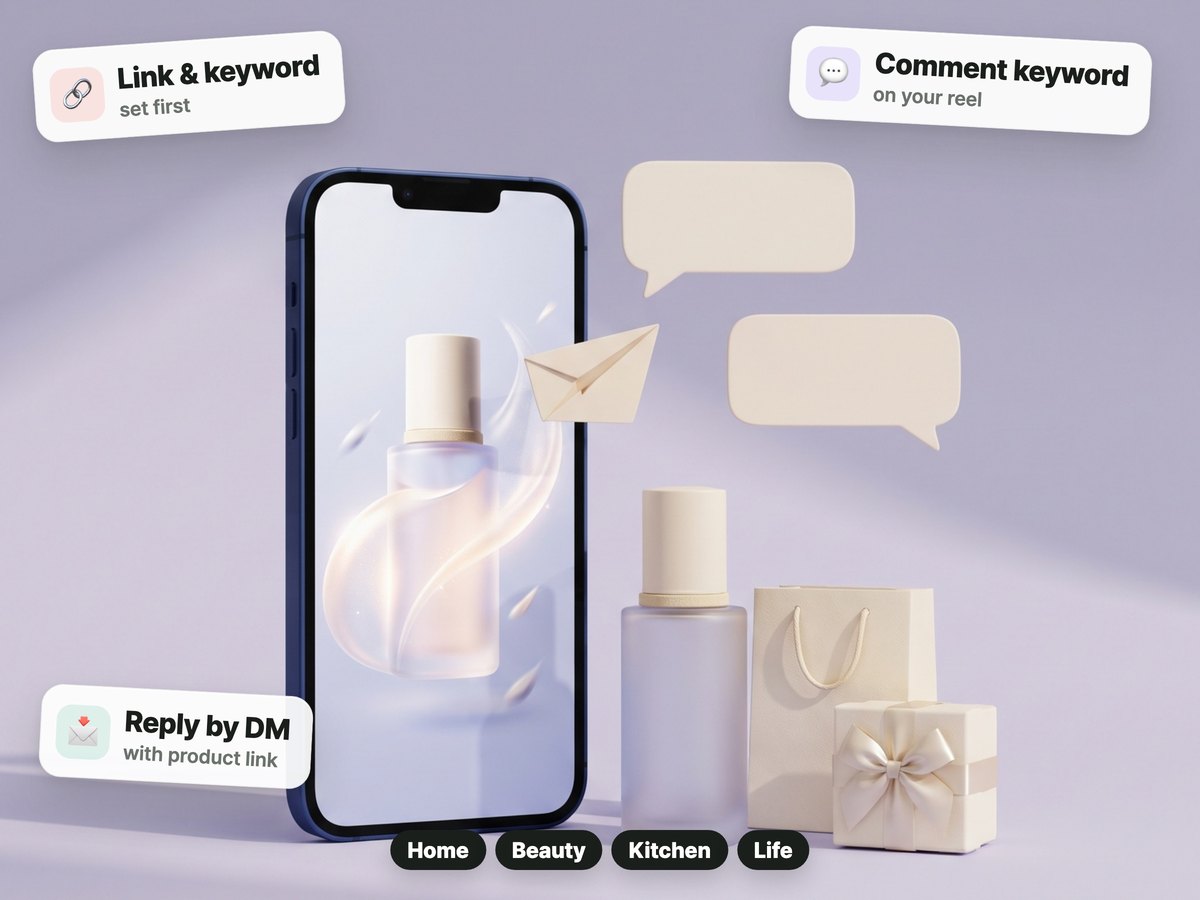
It watches comments for the keyword you set and sends that product's link by DM. It also checks that the comment prompt in your script matches the DM keyword.
Input → 3 steps → output · You steps are decided by a person
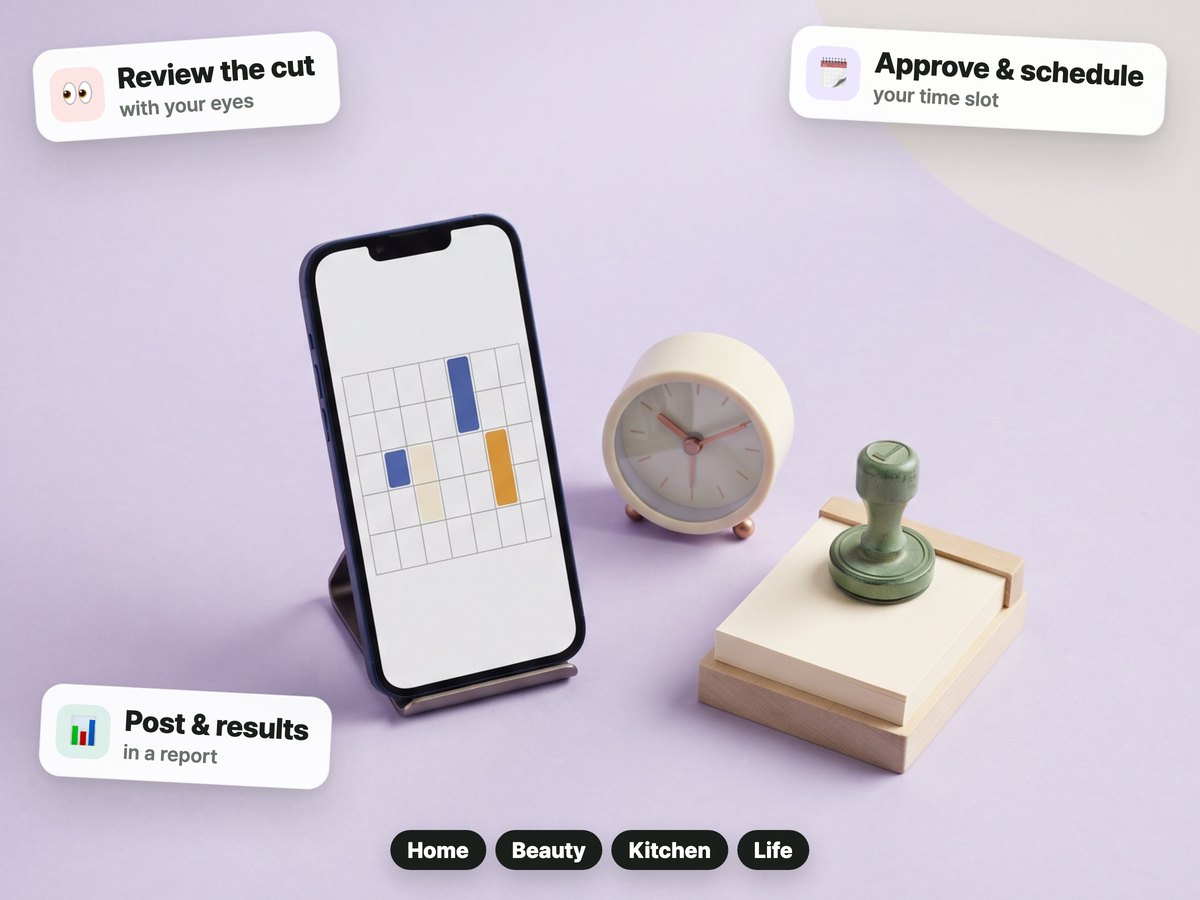
You watch the final cut and approve it before it goes into the posting flow. It schedules the approved file, and you review the stats collected after posting in a report.
Input → 3 steps → output · You steps are decided by a person
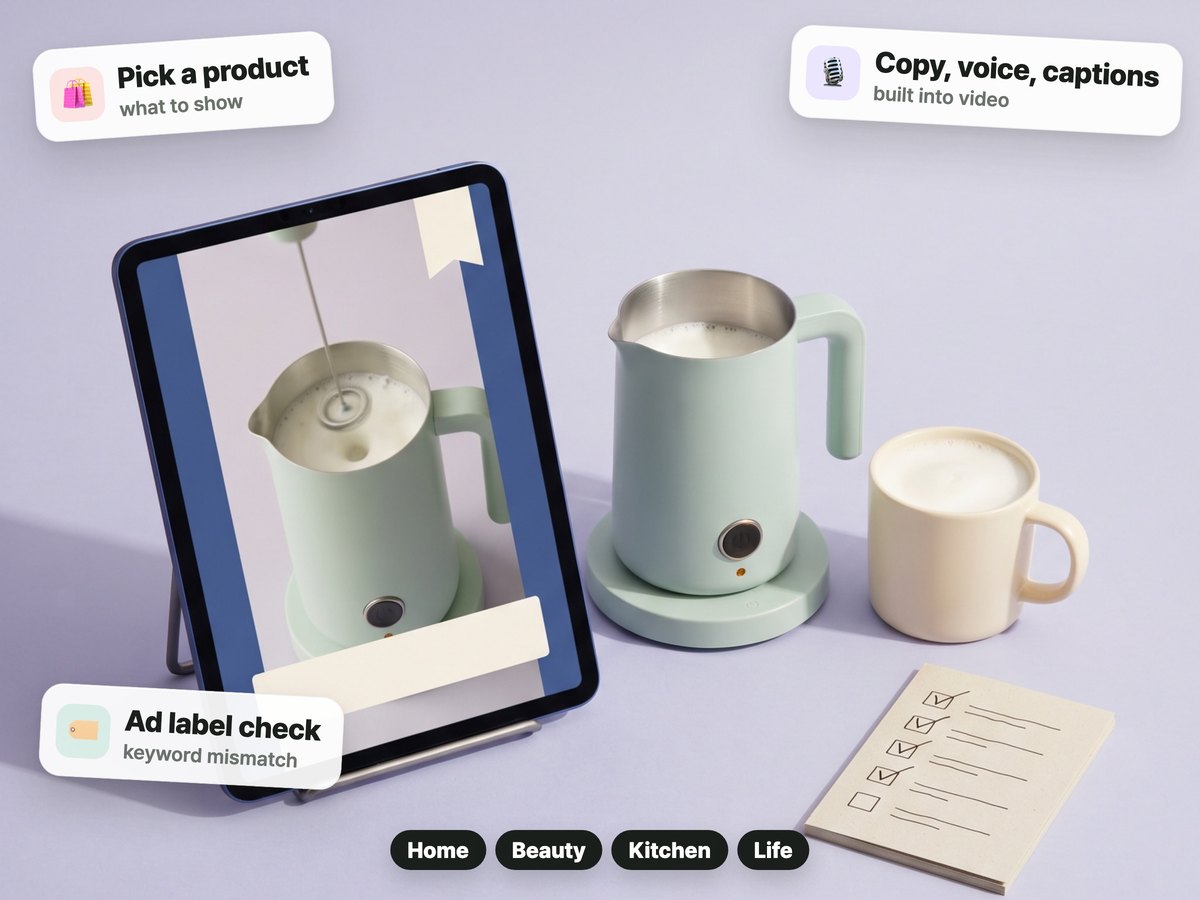
It builds product copy, voice, captions and the ad label into the video. It warns about stock phrases in the script and a comment keyword that does not match.
Input → 3 steps → output · You steps are decided by a person
WHAT YOU GET
Not a done-for-you service,
but working files and tools you use on your own computer.

Install with one line. It checks for a new version once a day and applies it for you
Product material, script, cut selection and video build
A tool that links comment keywords to product links
Approve and schedule after checking the final cut
Voice, captions, ad label and background music
Post stats and reports
The same one-line install on Mac and Windows (WSL), plus a first-run guide
Outside tools this pack uses. The start guide covers installing them, and each outside service has its own terms.
BEFORE YOU START
Check your setup and the services you will connect before you buy.
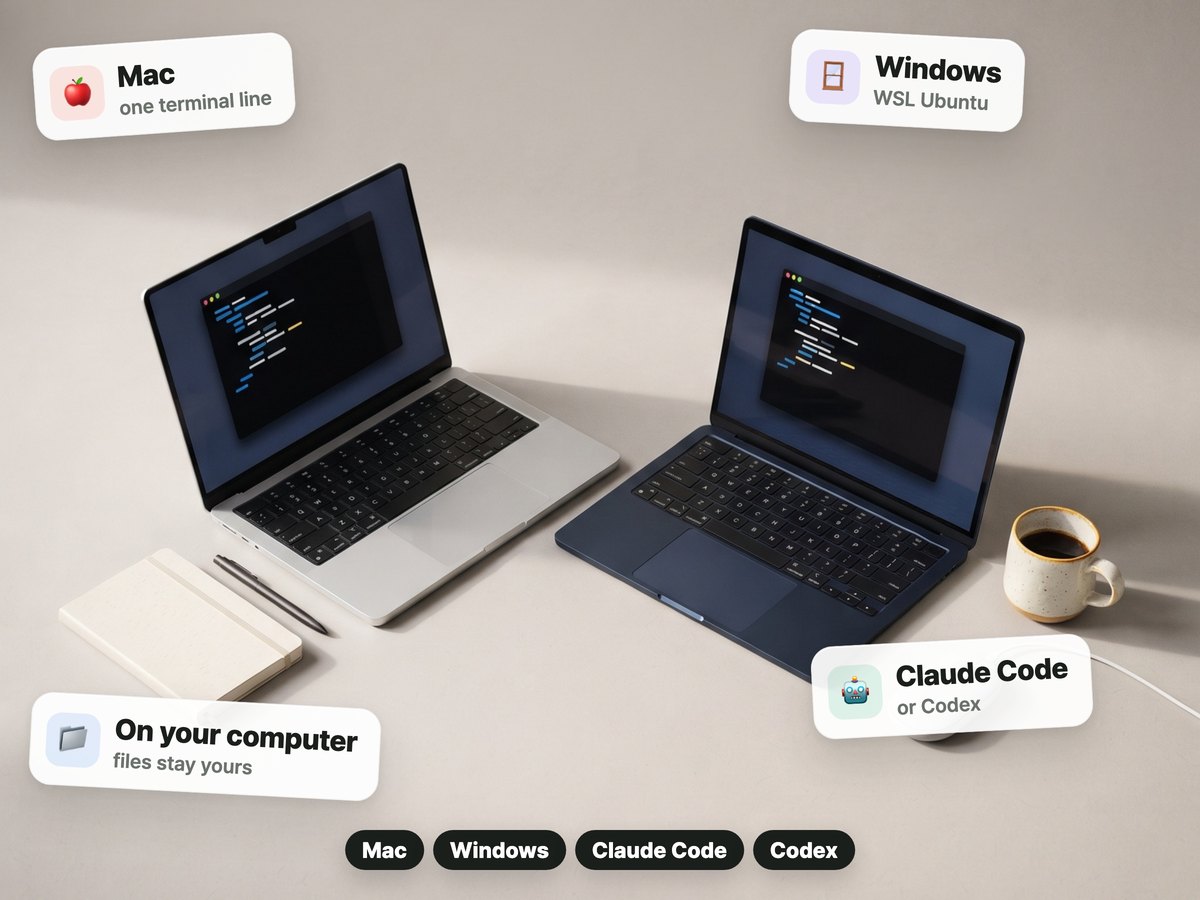
Files for Mac or Windows. On Windows it runs in WSL Ubuntu.
A computer where you can install programs · an Instagram account, app and API connection. The price does not include your AI plan or any video or voice services you choose.
Comment DMs and scheduled posting need an Instagram account, app and token connection plus feature setup. Check the install guide first for details such as the script engine.
HOW TO START
The install sentence for your AI chat arrives on the payment-complete screen and by email.
Features are the same as the current pack.
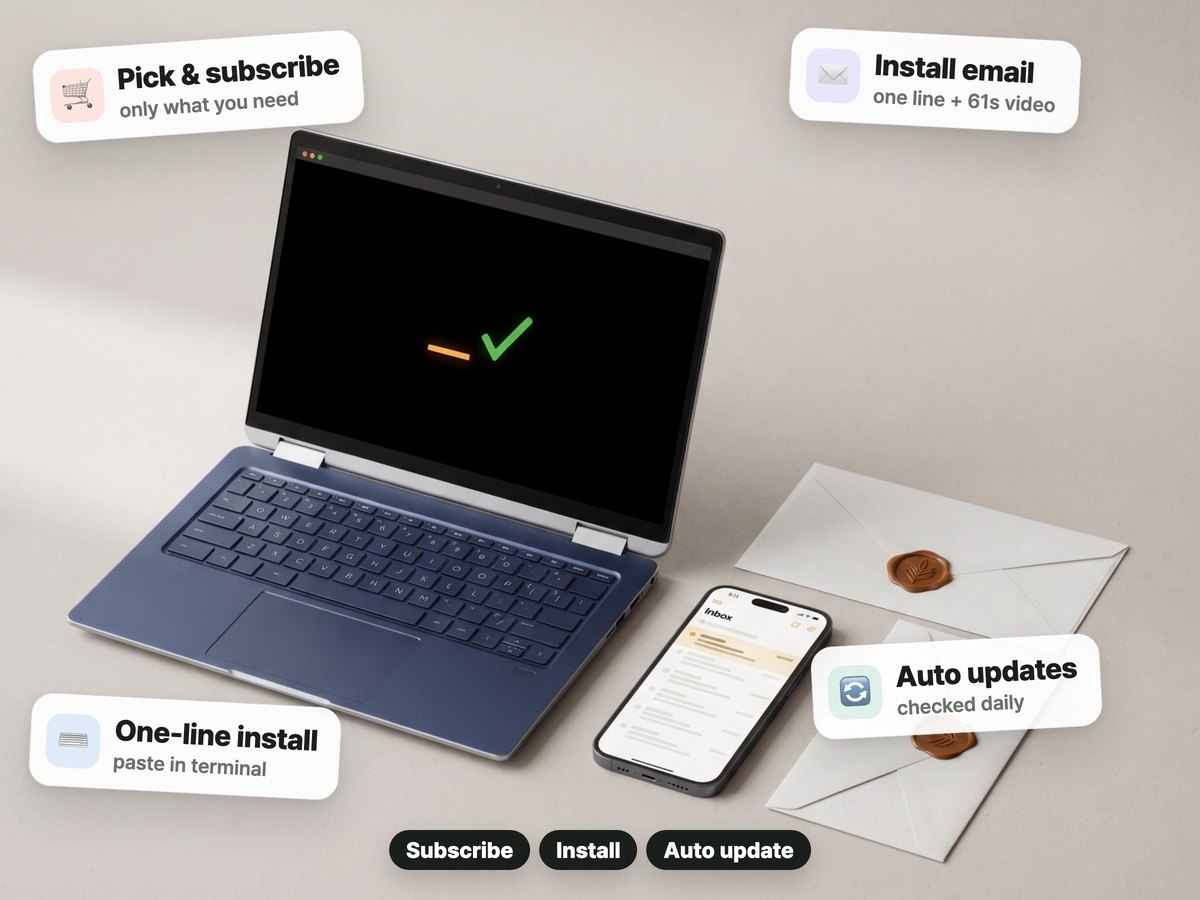
Pay once on Gumroad.
Right after you pay, the confirmation screen and email give you the install step: one sentence for your AI chat.
The helper checks once a day and applies new versions during your update period.
REVIEWS
Reviews of this pack and of our other packs. Translated from Korean.
Buying this for my wife's ads. Always rooting for you.
Found you on Threads. The page is really thorough and carefully made. I'm a beginner, so I'll lean on it. Thank you ^^
UPDATES
One-time purchase. 12 months of new versions from the purchase date. After that, the version you have keeps working and you can reinstall it. No auto-renewal.
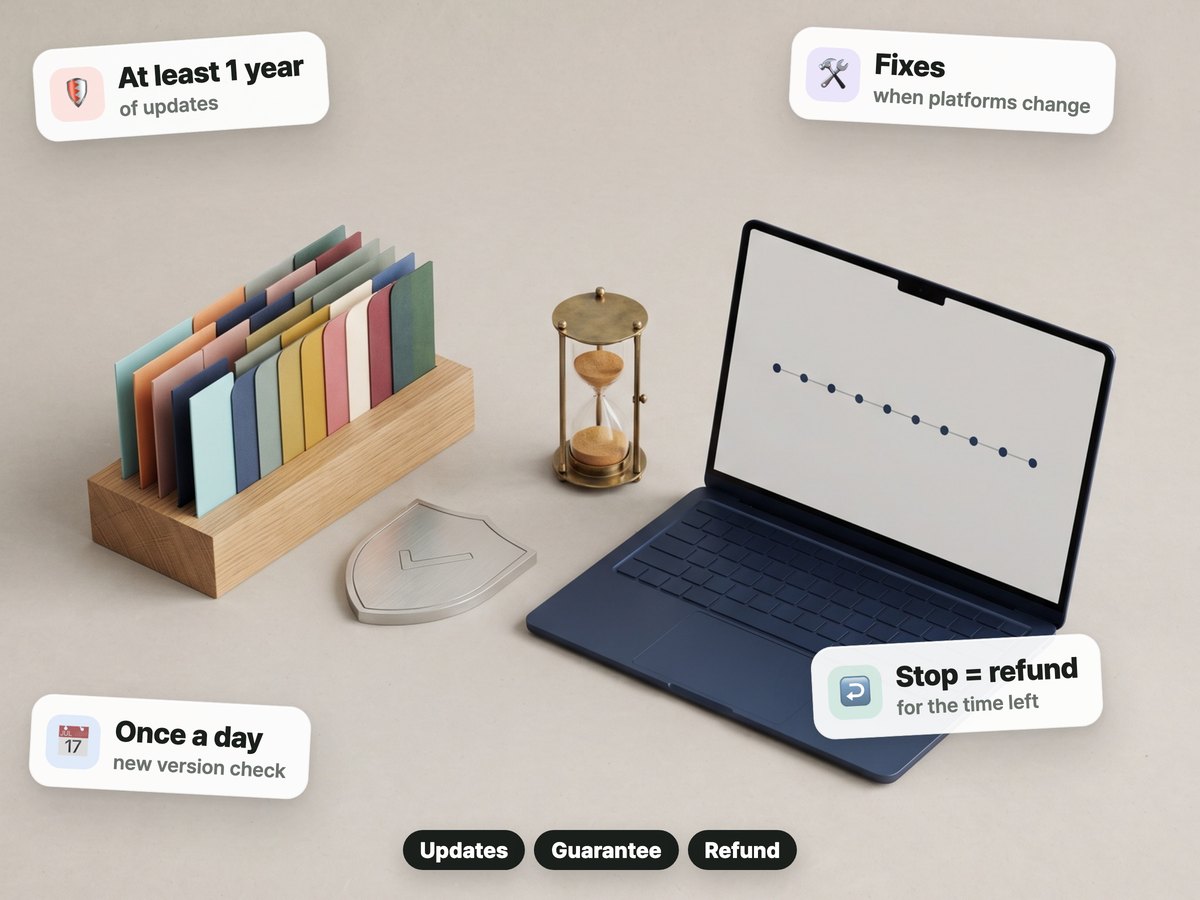
We publish release notes in Korean. Read the release notes (Korean)
QUESTIONS & ANSWERS
No. You pay once on Gumroad. Nothing renews.
The version you have keeps working and you can reinstall it. New versions are included for 12 months from the purchase date.
Digital download — no refunds once downloaded. Full refund within 7 days if you have not installed or downloaded the pack yet. If it is not as described or does not work, we refund even after download.
Claude Code or Codex, and a Mac or Windows computer. Your AI plan and outside services are billed separately.
Find topics in the radar and lines to polish in the free prompts, then use them with the pack.