FOR SUBSCRIBERS
Getting started
Thanks for your purchase. Follow these steps to install your packs on your computer. Claude Code and Codex both work.
You never need to type commands into a terminal or PowerShell.
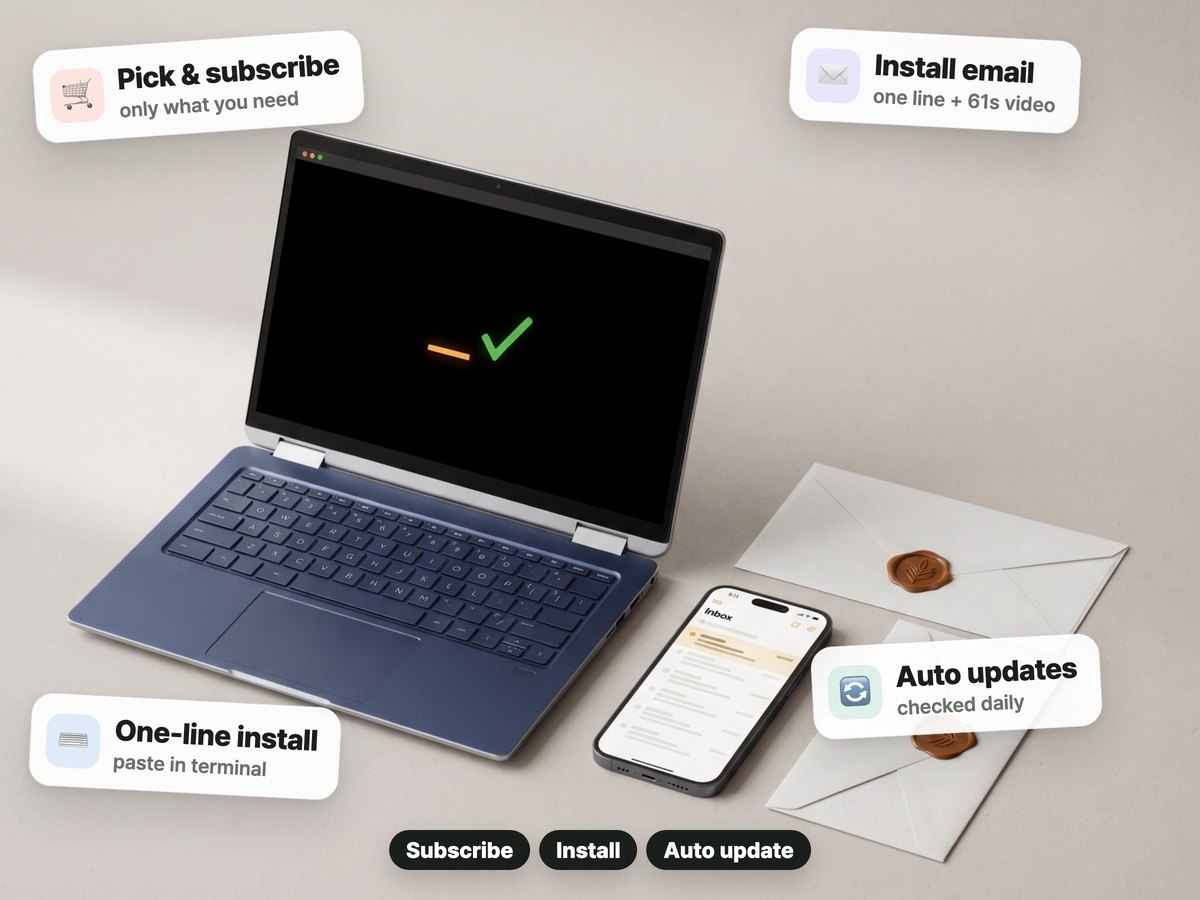
- 1Paste one sentence into your AI chat
Paste just this one sentence into the Claude Code or Codex chat (app or terminal window). The AI guides you through the rest, step by step.
Read https://my.builderlog.net/en/start and install Builderlog - 2Sign in with the email you paid with
When the sign-in window opens, enter the email you paid with, then the 6-digit code from your inbox. There is no password. On Windows the first time, you also click 'Yes' once in an approval window and restart once.
- 3Quit and reopen your AI
When setup finishes, fully quit your AI and open it again. In an app, quit and reopen it. In a terminal window, Claude Code is /exit then claude, and Codex is /quit then codex.
- 4Ask by pack
- Blog“write a blog post”
- Shorts“make a Short”
- Reels“make a Reel”
- TikTok“make a TikTok video”
- Clip“make a Naver Clip”
- Toss“list a product on Toss Shopping”
- Kmong“write a Kmong service post”
The ChatGPT chat window (web or app) cannot see the packs on your computer. Ask in Claude Code or Codex.
- 5Stuck? Send one screenshot
Email one screenshot of where you are stuck to [email protected]. If the AI does not know Builderlog, send the /mcp screen (Claude Code) or the codex mcp list screen (Codex).
Windows: finding your files
Type \\wsl$\Ubuntu\home in the File Explorer address bar → your user folder → the builderlog folder.
Using a terminal yourself (most people don't need this)
Mac Terminal
curl -fsSL https://my.builderlog.net/install.sh | bashOn Windows, use the blue PowerShell, not the black cmd. The first time only, run it as administrator and enter wsl --install -d Ubuntu → restart the computer → the line below
irm https://my.builderlog.net/en/install.ps1 | iexIf your packs do not show up
- Check that you signed in with the same email you paid with.
- If they still do not show up, reply to the email you received or send your payment email and pack name to [email protected].
Bought a pack earlier?
Same steps for you. Sign in with your purchase email to unlock the pack you bought.
What you need
A Mac or Windows computer and a paid Claude or ChatGPT plan (for Claude Code or Codex). Your results and settings (out/, config/, .env) stay as they are through updates.