
Automation Kit for Claude Code
Automation Kit for Claude Code
Your first step to handing repeat work to AI.
Start by organizing and running one small task.
It gives you a base for making and working. Refine the results with free prompts.
Choose your computer
Prompts vs. packs: what is the difference?
A prompt is a request you hand to an AI. A pack is a toolbox to start the work.
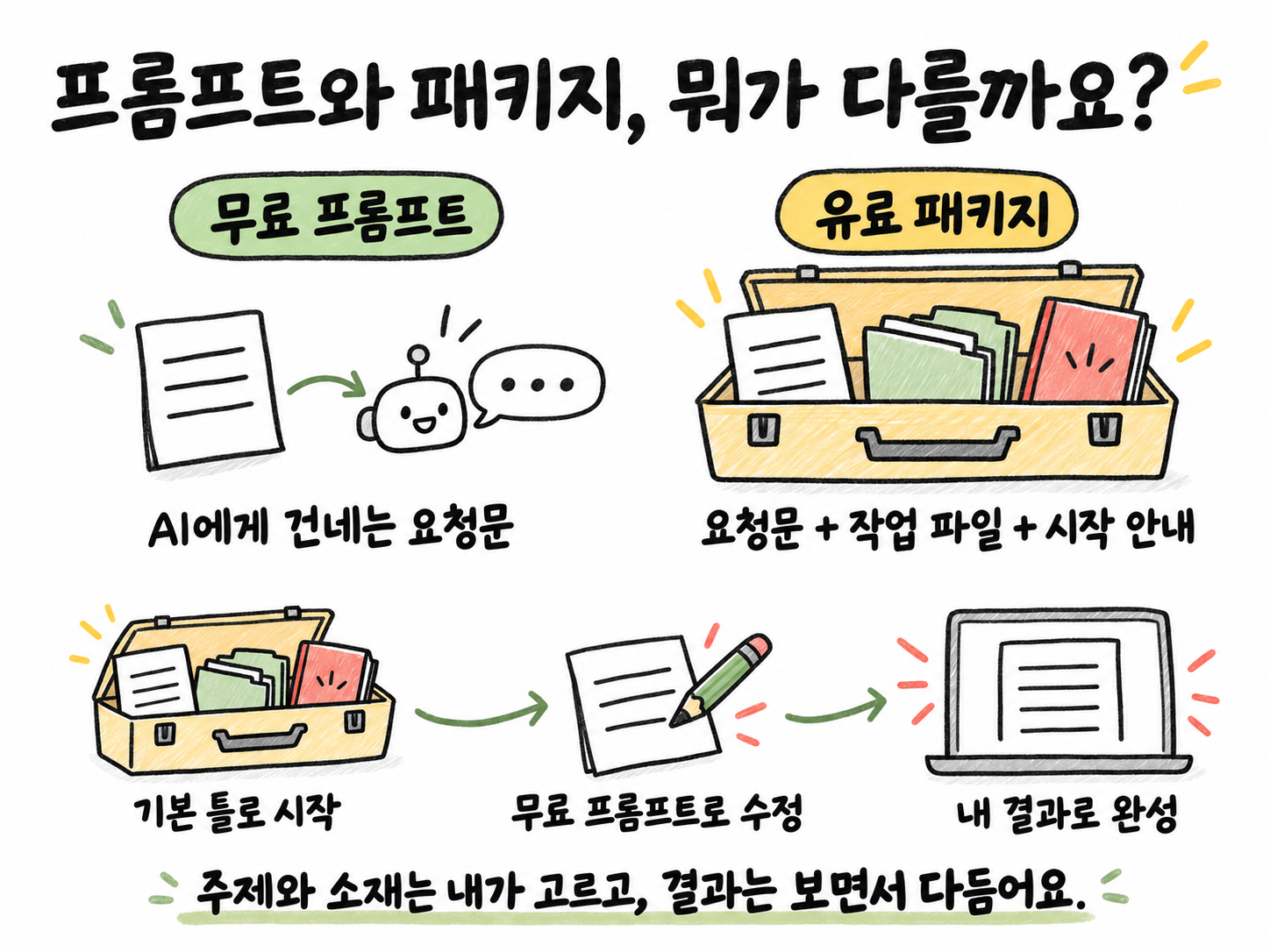
Free prompts
Pick a line that fits what you want to do and paste it into your AI. Use it to try things first or to fix results.
Paid pack
Requests plus working files and a start guide. Open the folder in your AI tool and start in order.
Start with a pack, refine with free prompts.
A single “do it” will not guarantee results like the examples. You pick the topic and material and keep fixing the result with your AI. AI costs and any outside services you choose are billed separately.
After you get it
- Unzip it and open the folder in Claude Code.
- Paste the start line.
- Build one repeating task with your AI.
Get the base, then shape it with your results
This pack is a base to start the work. You can start with a short request, but you need to add your own material and fix things as you check the results. Use the free Dex prompts to improve the details for your goal. One request does not guarantee the result you want.
Check before you buy
- You need access to Claude Code. This skill pack is for Claude Code.
- You need to be able to install programs on your computer.
- AI plans and any video or voice services you choose are billed separately.
New sales are paused. Earlier buyers can get the latest v1.2.3 files in My purchases (KO).
Windows and support
On Windows it uses Ubuntu, a free workspace. Please check the output files before turning on auto-posting.
Need help?
First, show the error to your AI. If that doesn't fix it, tell us your computer and the screen where you got stuck. Never send passwords. Contact